
Device-based scanning
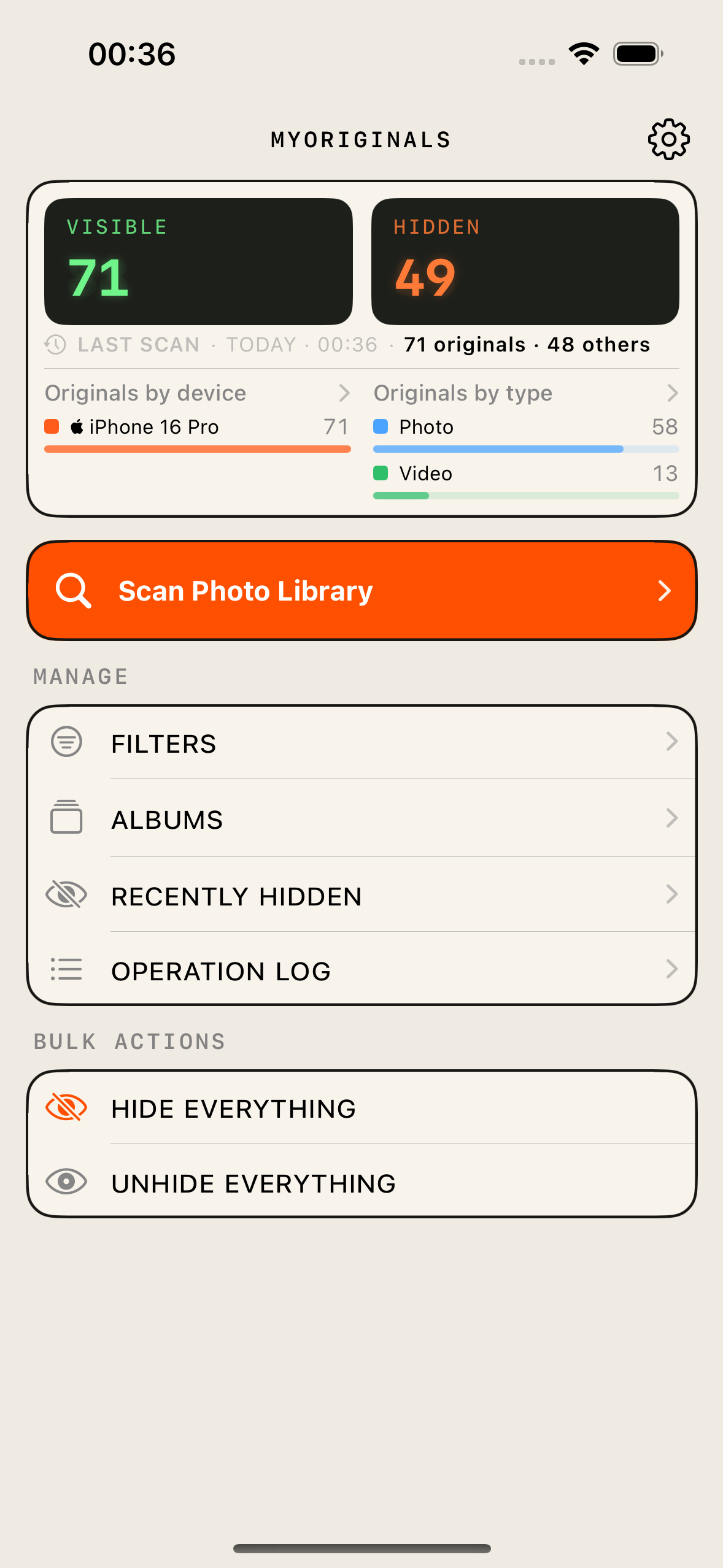
Reads camera metadata from every photo and video to determine which device took it. Choose which devices to keep — any make or model.
Why we built it
“I have a lot of photos of my dog. I also have a camera roll I’d never hand to another person.”
Showing someone one photo shouldn’t mean showing them everything. MyOriginals exists so you can pass your phone across the table without a second thought.
MyOriginals reads camera metadata to sort your library by device — so you decide what stays visible and what stays out of sight.
Reads camera metadata from every photo and video to determine which device took it. Choose which devices to keep — any make or model.
Photos move to the built-in Hidden album. A photo in your Vacation album won't show there while hidden, but it still belongs to that album. Unhide it anytime from the app or the Photos app and it comes right back.
MyOriginals doesn't connect to the internet. Everything runs locally on your device.
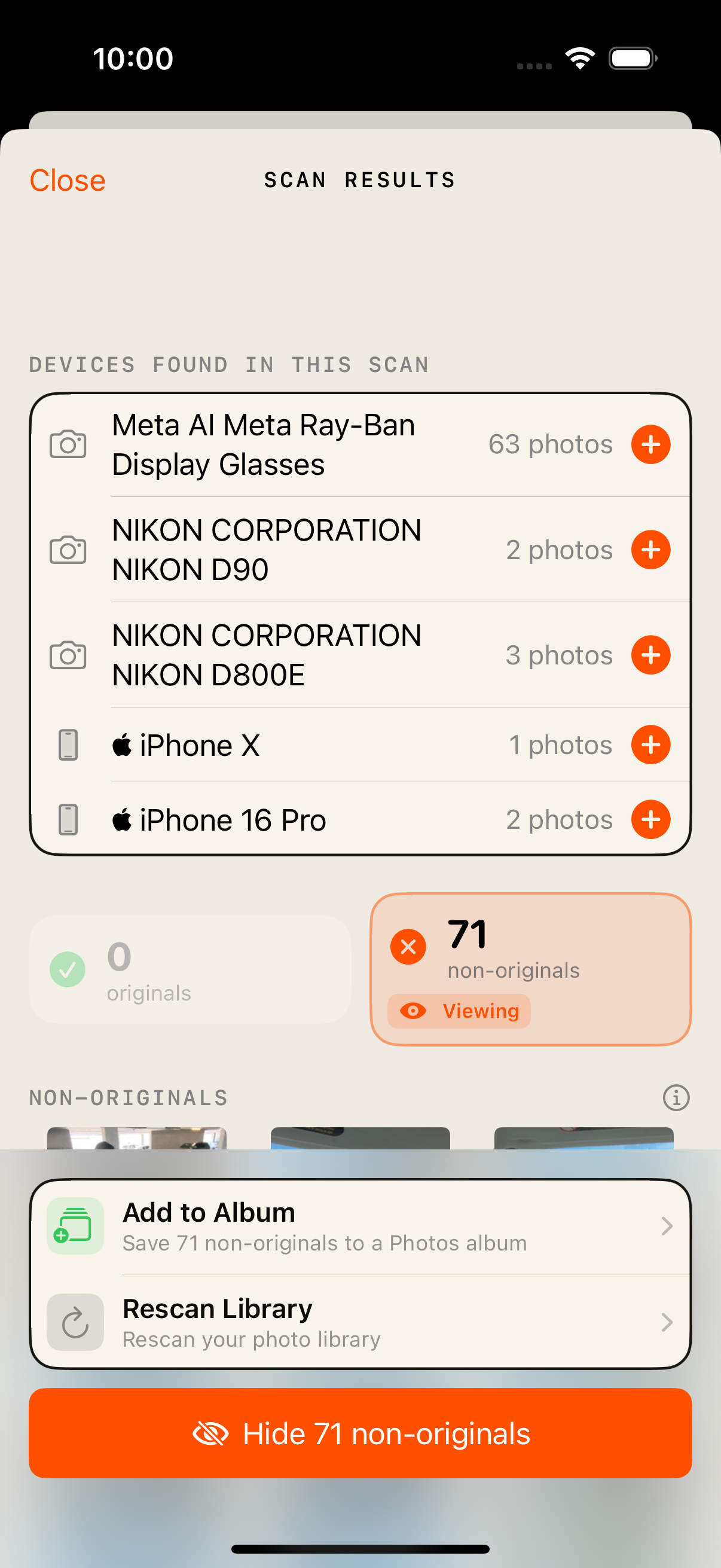
Preview scan results before hiding anything. Cancel a scan at any time and keep partial results. Undo a hide immediately after.
Dry run
After a scan, MyOriginals shows exactly what it found — devices in your library, how many photos stay visible, and how many would be hidden — with thumbnails you can browse before you tap confirm.
In the app
Choose your devices, review what will be hidden, and always have a path back if something was marked by mistake.
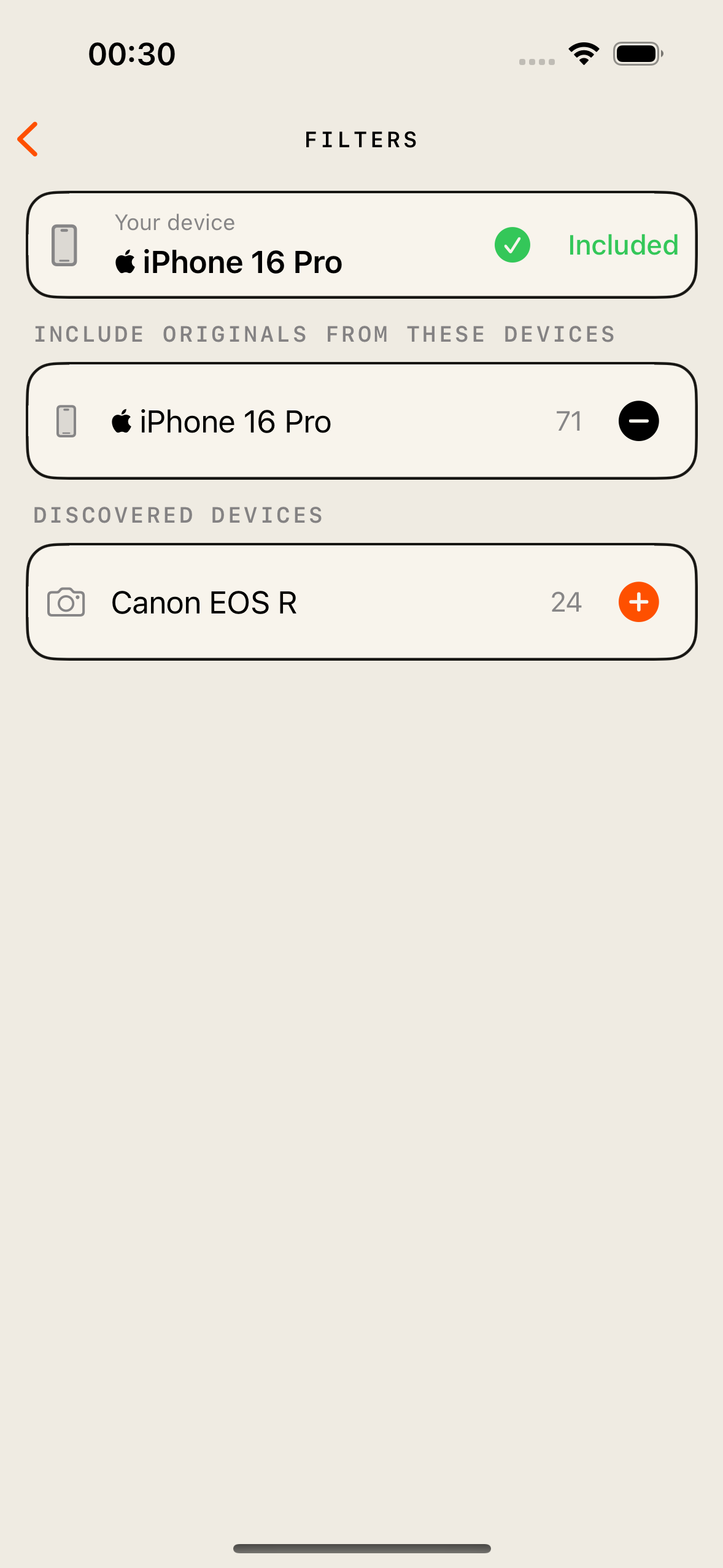
Pick which cameras and devices count as yours. Auto-detects your current device and discovers others from scan results.
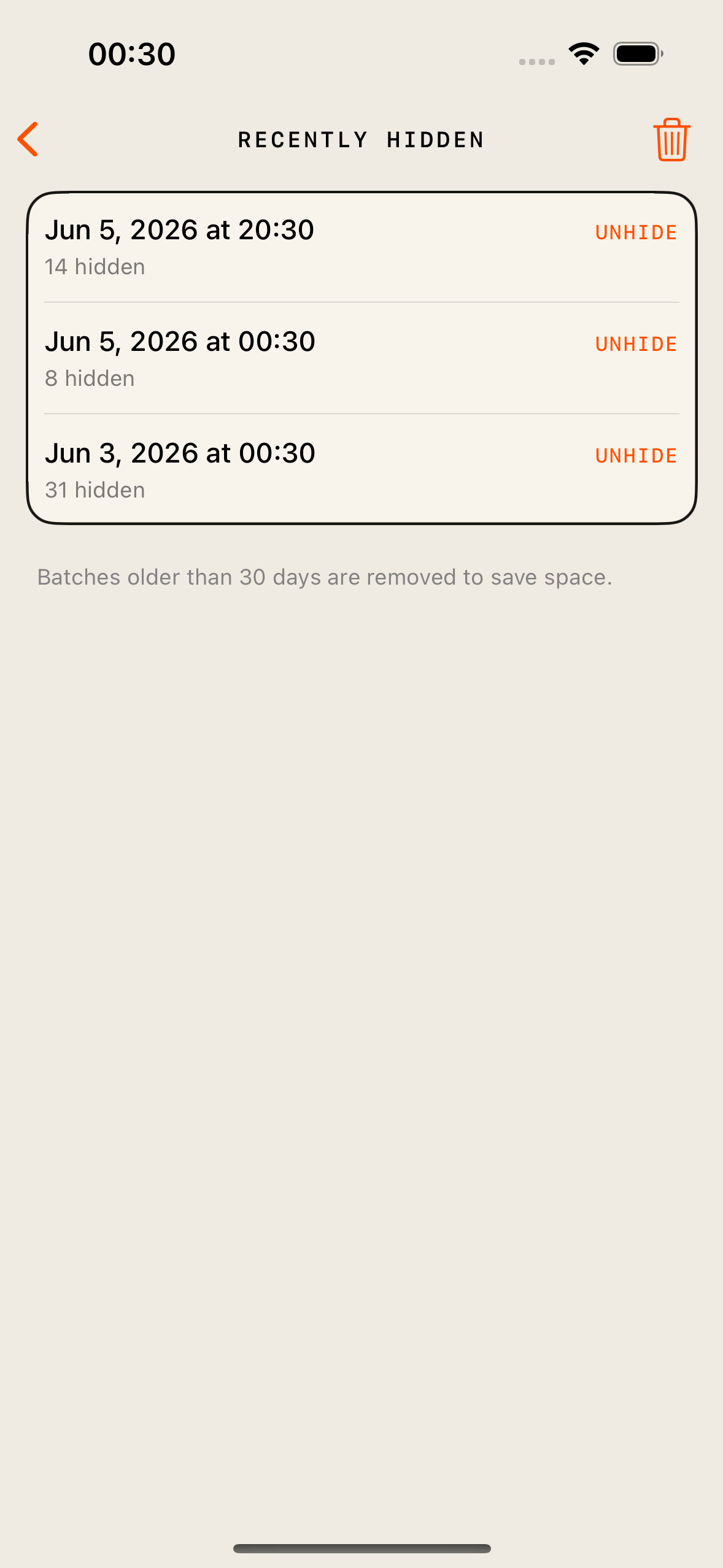
Browse batches you hid and unhide by group, one at a time, or everything at once.
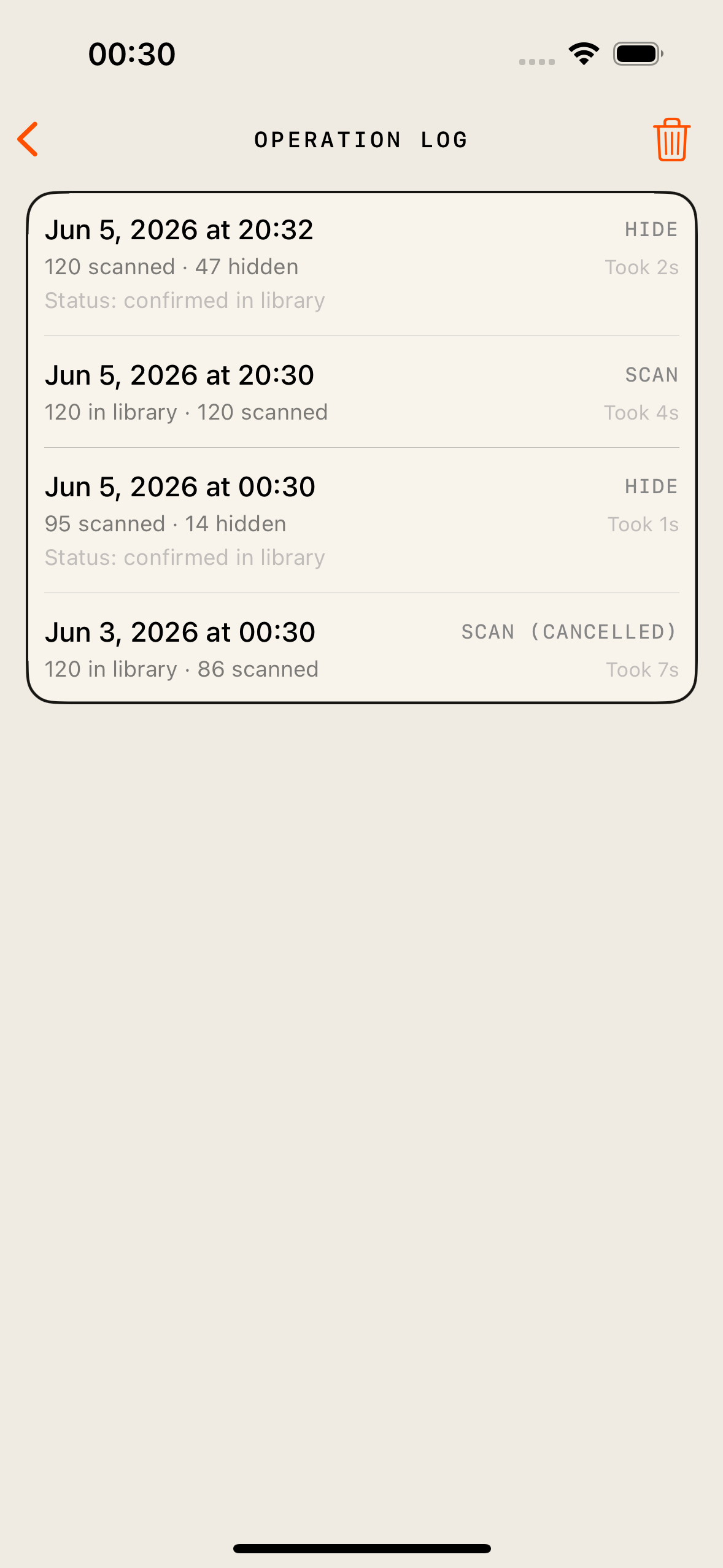
See what the app did and when — scans, hides, and unhides — with your last 100 operations kept on device.
Features
Works with any make or model — iPhone, Canon, GoPro, iPad, and more. Auto-detects your current device on first launch.
See thumbnail previews, keep/hide counts, and discovered devices before you commit. Add devices on-the-fly from scan results.
Instantly undo your last hide, browse recently hidden items, or unhide everything at once.
Every scan, hide, and unhide is recorded so you can review what happened and when. Keeps your last 100 operations.
FAQ
Availability
Drop us a line and we’ll let you know when it launches.